JavaScript Arrays 101
Topics to Cover
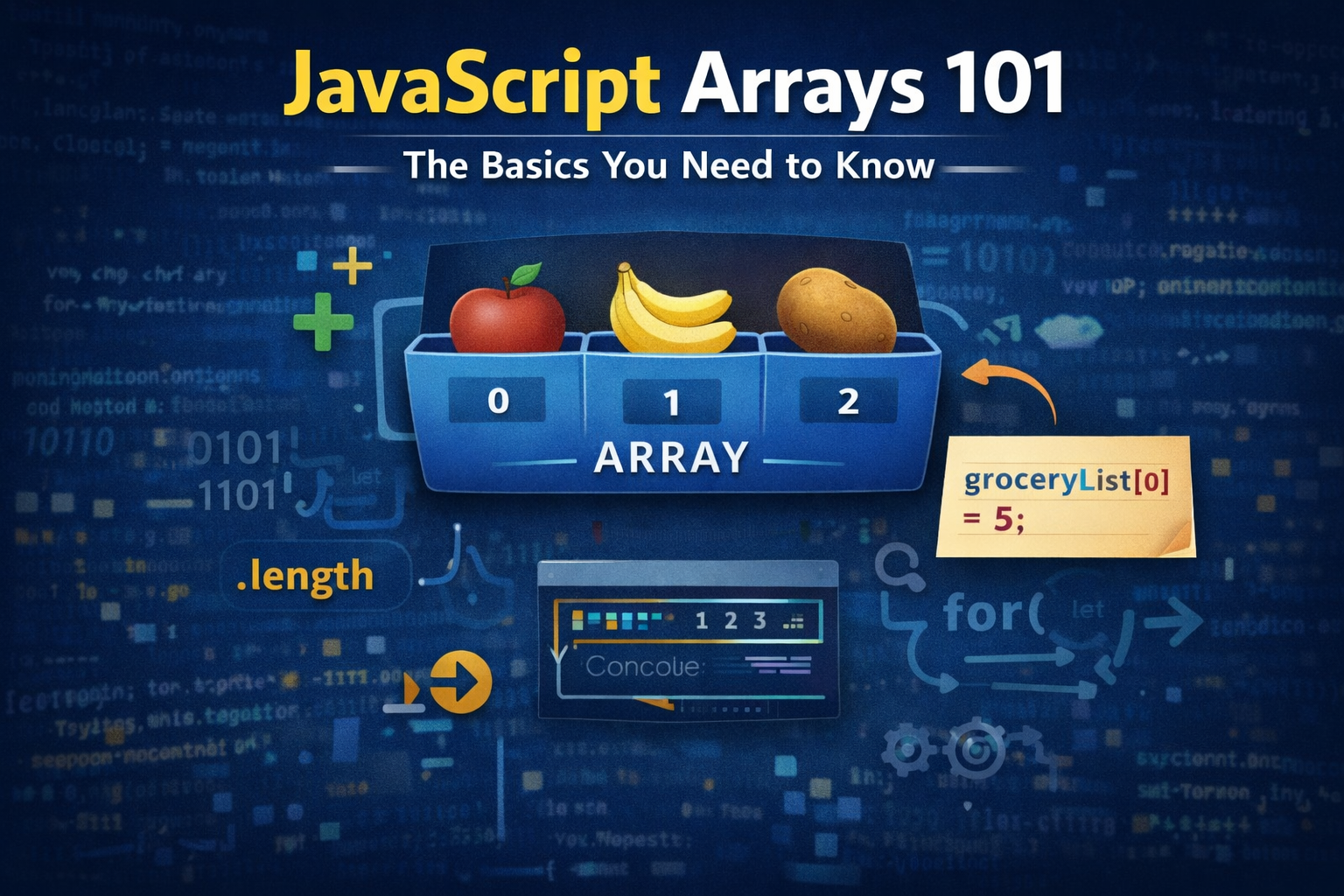
What arrays are and why we need them
How to create an array
Accessing elements using index
Updating elements
Array length property
Basic looping over arrays
What arrays are and why we need them
Arrays are datatypes in JavaScript (they are one of the most common data types in every programming language). They are like lists, and are used to store elements in a series or list format.
How to create an array
For example, if you want to make a list of grocery items, then, you can make an array like
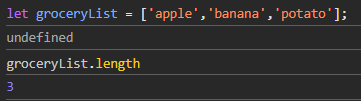
let groceryList = ['apple', 'banana', 'potato'];
So, Arrays are nothing, but values stored in order.
Accessing elements using index
Now these values are usually called elements and these elements are accessible, by index.
Index is the place of element in Array. In JavaScript (and most other languages), Arrays are 0-based, i.e., apple is on 0 - index, banana is on 1 - index, and potato is on 2 - index.
So, groceryList[0] = apple
groceryList[1] = banana
groceryList[2] = potato
Now you can see it's easier than using 3 separate variables to store items
Updating elements
We can also update elements, simply by re-assigning them to different values.
groceryList[0] = 5;
So, now the first element is 5. Also, did you notice, in JS you can have elements of different types within same Array!.
Array length property
So, we can get length of an array using .length property.
For example, groceryList.length() will give 3, because there are 3 elements in groceryList.
Basic looping over arrays
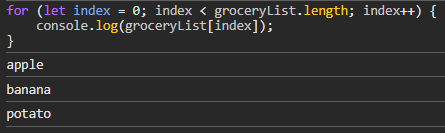
So, we can loop over Arrays and perform operations like console.log, or multiplying each element by 2, etc.
So, yeah this was Arrays 101. Hope you enjoyed it.
Bye!