Git for Beginners: Basics and Essential Commands
In this article, we will learn about:
Git Basics and Core Terminologies
Common Git Commands
Git is a distributed Version Control System (VCS), i.e., it helps you to track changes in your code and work with other people without messing things up.
Core concepts:
Repository: A repository is a project tracked by git
If a folder has .git directory, then its a Git repository
Commit: A saved snapshot of your project at a specific point in time
Commit lets you go back, build reliable history, give informational messages
Branch: Parallel timeline of work
It lets people work independently on same files, avoid breaking main code
Head: a pointer that tells you where you currently are
points to latest commit in your branch
Essential Commands
git init

This command is used to initialise Git Repository inside the folder, it creates the .git folder, inside directory.
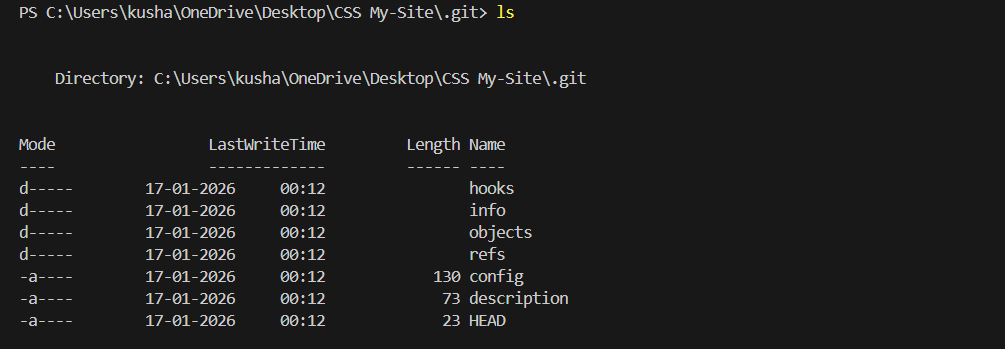
This shows the folders inside .git folder, here the changes are tracked and stored
git add and git commit

git add: It is used to add files to the staging area, make them ready for commit
git commit: It is used to save the changes in the staging area, along with a message
git log

This command shows all the commits made by the user. It displays the hash code of the commit, basically it shows commit history
You can also use git log —oneline to make it more readable

git status
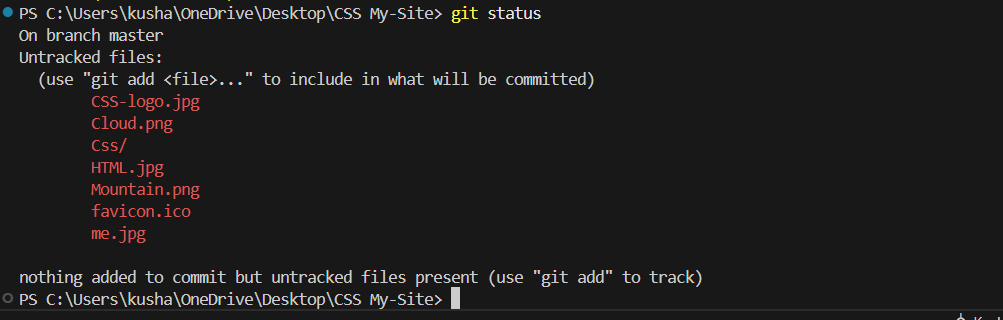
This command shows the current branch, along with untracked files, and modified files
git diff <hashcode1> <hashcode2>
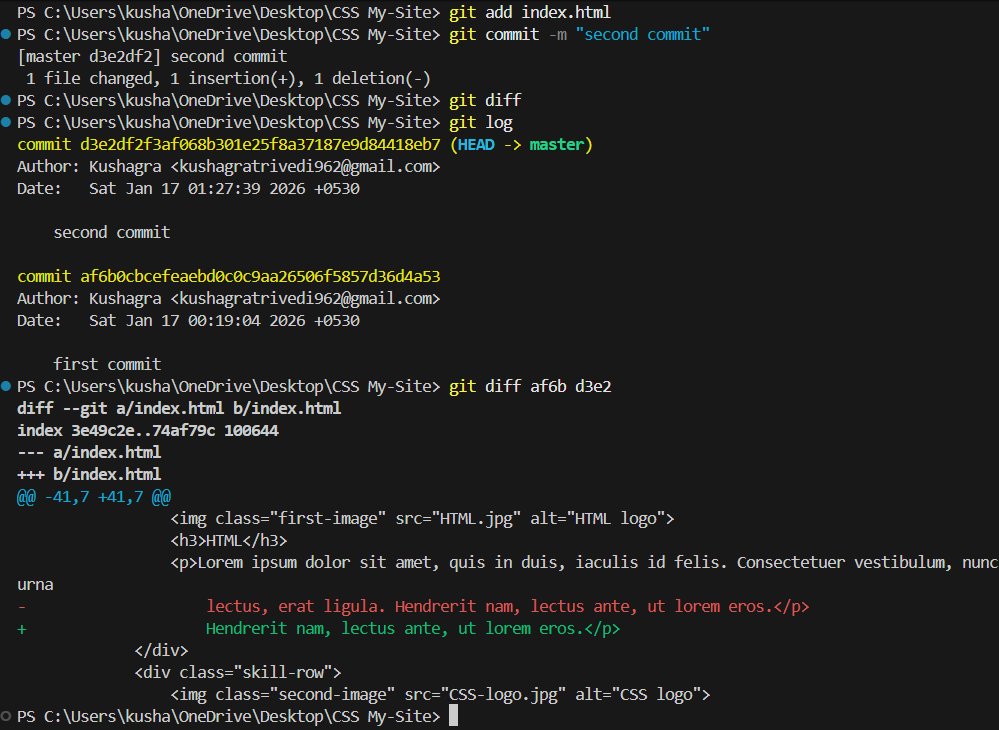
This command is used to show changes between two commits
The commits are specified using hash codes
git revert

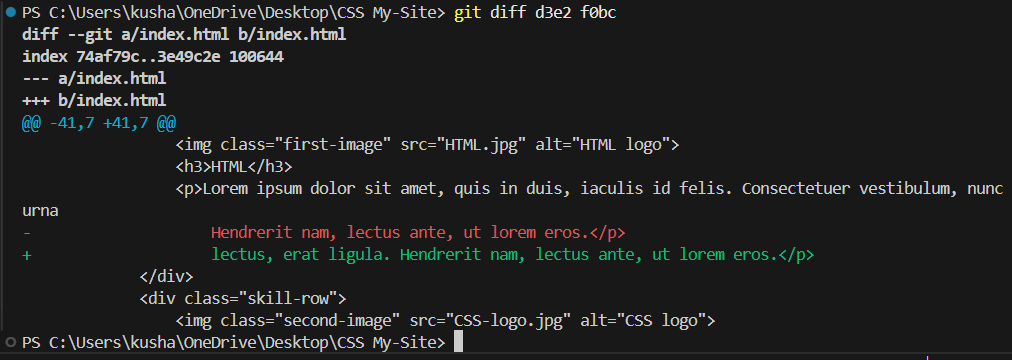
This command gives negative of a previous specifies commit.
It can be used to remove a bug introduced in a specific commit
git reset —hard

This command deletes the later commits, and moves the head to the specified commit
It is a dangerous command as it is a permanent change, and data is being lost here, and the changes cant be reversed
git reset allows you to add the changes in later commits to a staging area
git branch


So git branch basically reads HEAD file, which stores the ref of current Branch
Directory and files:
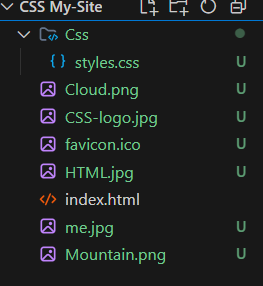
“U” represents untracked files
So these are some Git Commands, hope you learned something new today.